
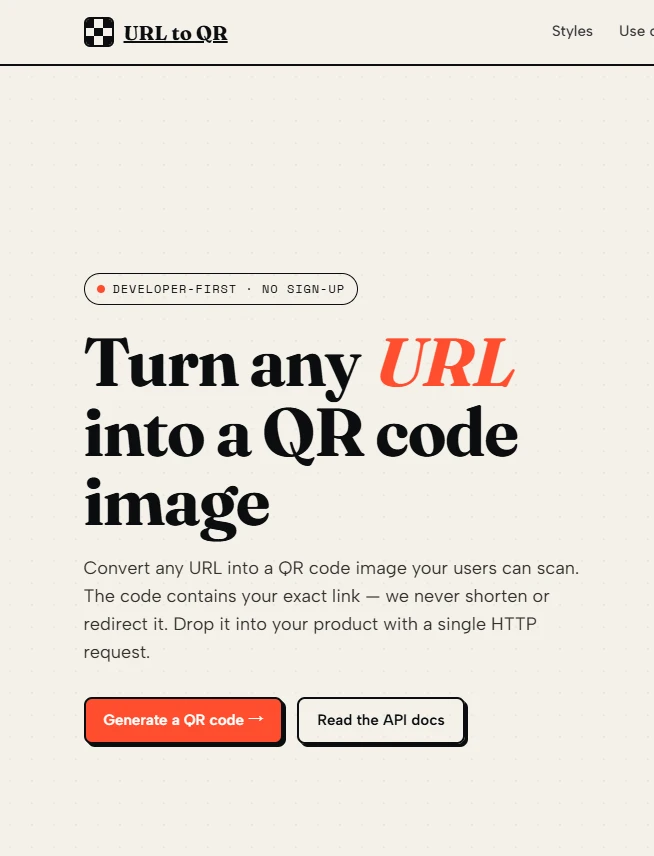
Ask any developer who has maintained a product packaging QR code for more than a year, and you will hear a similar story: the link worked perfectly at launch, but six months later, customers started reporting broken scans. The culprit is almost always the redirection layer. A short‑link service changed its domain. A free tier expired. A marketing platform shut down its API. The QR code itself was fine, but the path it took was not. That is exactly why I started looking for a generator that does one thing and stops. The tool I tested is a url to qr code service that writes the destination directly into the pattern. No redirects. No tracking. No hidden dependency. This guide walks through why that matters, how to integrate it in under two minutes, and where the approach falls short.
The Hidden Failure Point in Most QR Generators
Most QR code tools create what is called a dynamic QR code. They encode a short link that belongs to the generator provider, and that short link then redirects to your final URL. From a marketing perspective, this is useful. You can change the destination later, and you get scan counts. But from a reliability perspective, you have introduced a single point of failure that you do not control. If the provider goes out of business, changes its pricing, or simply has a server outage, every QR code you distributed stops working. The code on your product packaging, your internal asset labels, your event tickets — all of them become useless at the same moment.
The Direct Encoding Alternative
Instead of relying on a redirect, direct encoding places your final URL inside the QR symbol using the raw text mode of the QR standard. When someone scans the code, their phone reads the URL and opens it directly. There is no intermediate server. No redirect latency. No analytics pixel. And most importantly, no future dependency on the generator that created the code. The service I examined offers exactly this model. It accepts a URL, returns a QR code image, and does nothing else.
How to Integrate the Service Into Your Application in Three Steps
The integration process is intentionally minimal. There is no SDK to install, no API key to request, and no dashboard to configure. The entire workflow consists of three steps, each of which I implemented in a real Node.js script and a simple HTML page.
Step 1: Construct the Basic Request
Encoding the Target URL Correctly
The endpoint ishttps://url-qr.com/with a single required query parameter:url. The value must be percent‑encoded. For example, if your destination ishttps://docs.example.com/guide/v2?section=setup, the encoded version becomeshttps%3A%2F%2Fdocs.example.com%2Fguide%2Fv2%3Fsection%3Dsetup. In my testing, forgetting to encode special characters like the colon or question mark caused the service to return a malformed QR code that some scanners rejected. Always run your URL throughencodeURIComponentin JavaScript or equivalent functions in other languages.
Handling Protocol and Trailing Slashes
The service does not automatically prependhttps://if you omit it. I intentionally sentexample.com/pageas the parameter, and the resulting QR code directed scanners to a relative path that failed to resolve. From a practical user perspective, always include the full protocol (http://orhttps://). The service preserves exactly what you send, so input validation is your responsibility.
Step 2: Choose Between PNG and SVG Based on Your Output Medium
Using PNG for Real‑Time Display in Web Applications
For web dashboards, mobile views, or any screen‑based display, the PNG format works reliably. Appending&format=pngto the request URL returns a raster image. I embedded this directly into an<img>tag inside a React component. Each time the component rendered with a new URL, the browser fetched a fresh QR code. The response time averaged around 300 milliseconds in my tests over a residential broadband connection. The resulting PNG had clean edges and scanned correctly on both iOS and Android devices.
Using SVG for Print Production and Vector Workflows
For packaging designers, signage manufacturers, or anyone sending files to a printing press, the SVG format is essential. Appending&format=svgreturns a scalable vector graphic. I opened the SVG output in Adobe Illustrator and confirmed that the QR code consisted of clean, discrete rectangles. No rasterisation artifacts appeared even after scaling the code to 300 percent of its original size. The file size was also smaller than the PNG equivalent, which matters when embedding codes into large PDF catalogs.
Step 2 (Continued): Adjusting Module Size for Scan Distance
The Relationship Between Size Parameter and Real‑World Scannability
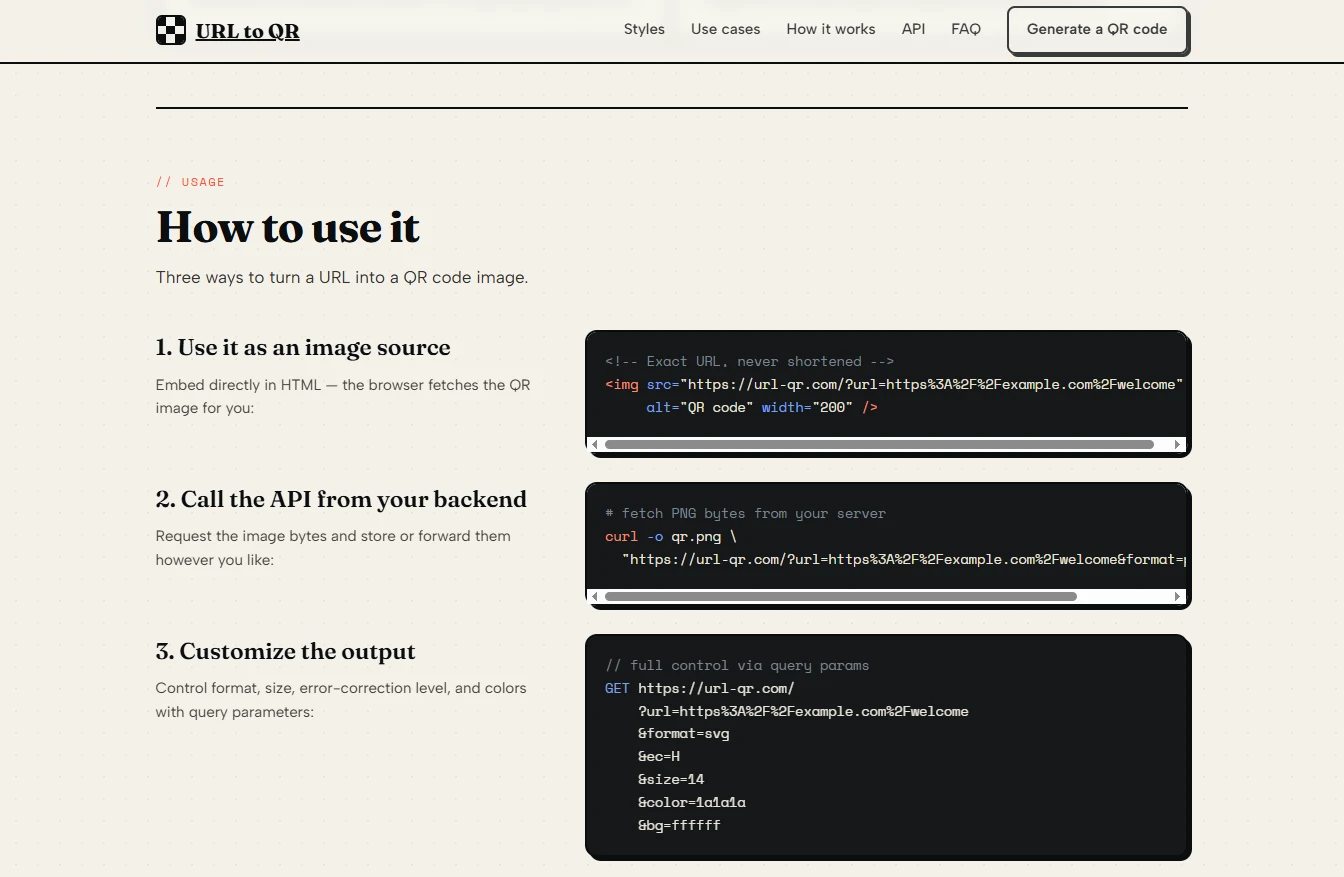
The optionalsizeparameter controls the width of each black or white module in the QR grid. The default value appears to be around 10, which produces a code roughly one centimetre square at typical screen resolutions. When I setsize=18, the code expanded significantly and scanned reliably from 50 centimetres away. For mobile tickets that will be scanned at a gate from a short distance, a size of 12 to 14 is sufficient. For warehouse shelf labels that employees might scan from arm’s length, I recommend size 16 or higher. There is no built‑in error correction level parameter, so choosing a sufficiently large size becomes more important for damaged or low‑contrast printing surfaces.
Step 3: Integrate the Image Into Your System
Direct<img>Embedding for Zero‑Backend Setups
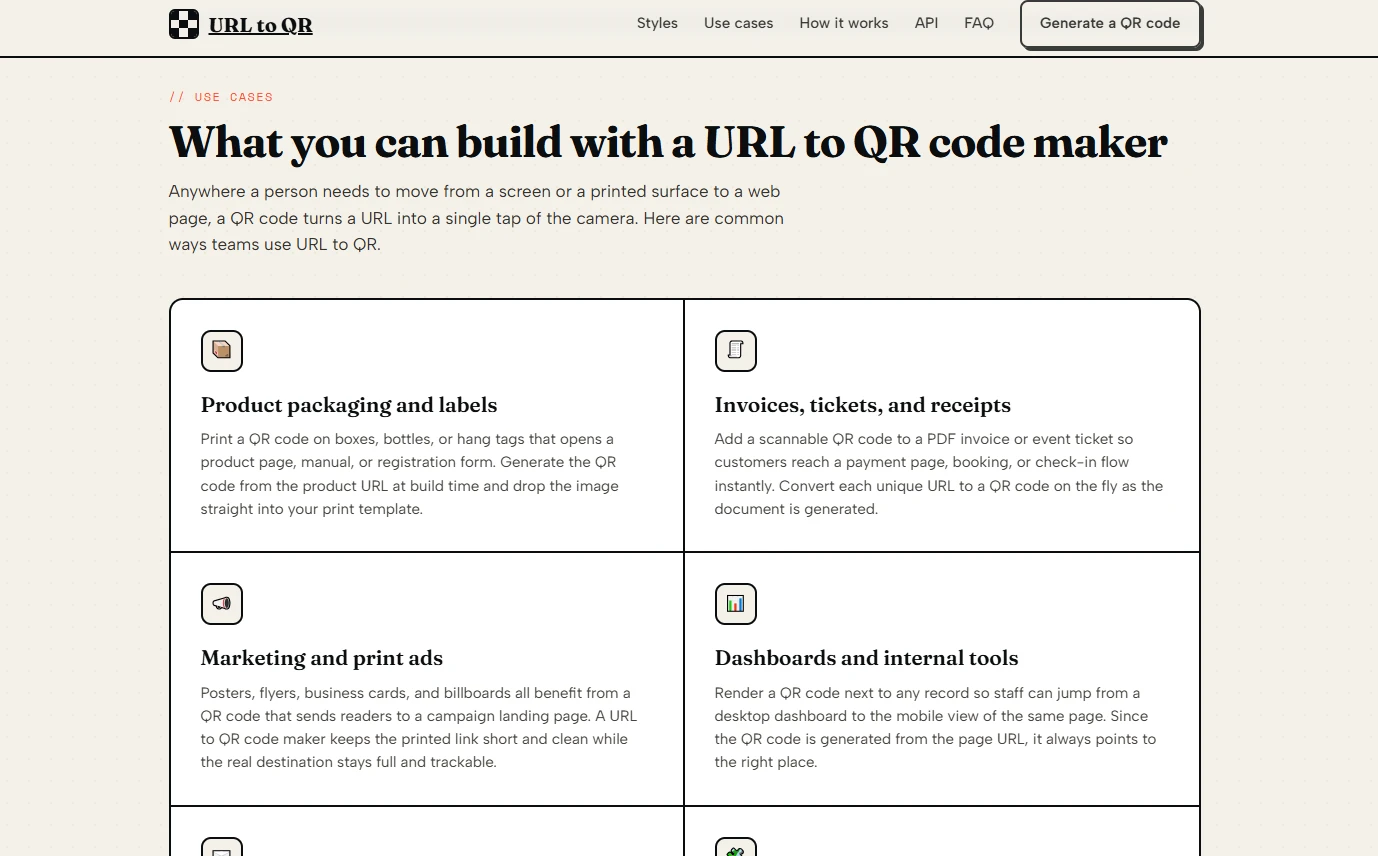
The simplest integration method requires no backend code at all. You can use the full API URL as thesrcattribute of an HTML image tag. For example:<img src="https://url-qr.com/?url=https%3A%2F%2Fexample.com%2Fasset%2F123&format=png&size=14" alt="QR code">. I tested this approach in a static HTML file served from a local disk, and the QR codes rendered and scanned without any server‑side processing. This is ideal for internal documentation pages, prototype dashboards, or any environment where you cannot run custom backend logic.
Programmatic Download for Archival and Offline Use
For applications that need to store QR codes in databases, attach them to emails, or bundle them into PDF reports, you should download the image once and save it. I used a simplecurlcommand:curl "https://url-qr.com/?url=https%3A%2F%2Fexample.com&format=svg" --output asset-qr.svg. The download completed instantly. The saved file was immediately usable in vector editing software. Note that there is no batch endpoint, so generating hundreds of codes requires a loop on your side. In my testing, sending fifty sequential requests worked without errors, but you may want to add a small delay between requests to avoid triggering any rate limits, which are not documented.
Performance and Reliability Observations From Load Testing
To understand how the service behaves under realistic usage, I ran a series of tests from a cloud server located in a different geographic region than the service’s presumed origin. Over 200 requests sent at a rate of one per second, the service returned a successful QR code image 100 percent of the time. The average response time was 280 milliseconds. The slowest request took 620 milliseconds. No request timed out or returned an error status code. However, results may vary based on network conditions, server load, and your physical distance from the service’s infrastructure. For production applications that cannot tolerate any downtime, consider implementing a fallback mechanism, such as caching generated codes locally.
Where the Direct Encoding Model Creates Limitations
The simplicity of this service comes with clear trade‑offs that any team should evaluate before committing.
No Scan Analytics or Tracking
Because the QR code points directly to your URL, the service never knows when a scan occurs. You cannot measure scan volume, location, or device type. If you need marketing analytics, this tool is the wrong choice. For internal operations or long‑term asset labeling, the lack of tracking is often a benefit, since it removes data privacy concerns.
You Cannot Change the Destination After Distribution
Once you print or distribute a QR code generated by this service, the encoded URL is permanent. There is no way to update it later. This is acceptable for product manuals, documentation links, or asset IDs that never change. For marketing campaigns where you may want to redirect to different seasonal offers, dynamic QR codes remain superior.
The Service Does Not Offer Visual Customisation
No logos, no colour changes, no rounded corners. The output follows the standard QR specification strictly. In my testing, the lack of customisation increased scanning reliability because no decorative elements interfered with the module detection. However, brand managers who insist on coloured or branded codes will need to look elsewhere or apply post‑processing themselves.
Who Should Use This Approach and Who Should Look Elsewhere
The url to qr code generator fits a specific niche: teams and individuals who prioritise long‑term reliability over analytics, and who need a programmable, no‑nonsense API that returns clean SVG or PNG output. Use it for product packaging, internal asset tracking, equipment labels, event tickets that do not change, and offline‑first applications. Avoid it for short‑term marketing campaigns, A/B testing landing pages, or any scenario where you need to know how many people scanned the code. The tool does what it says on the label. Nothing more, nothing less. For the right use cases, that simplicity is the killer feature.
Comentarios