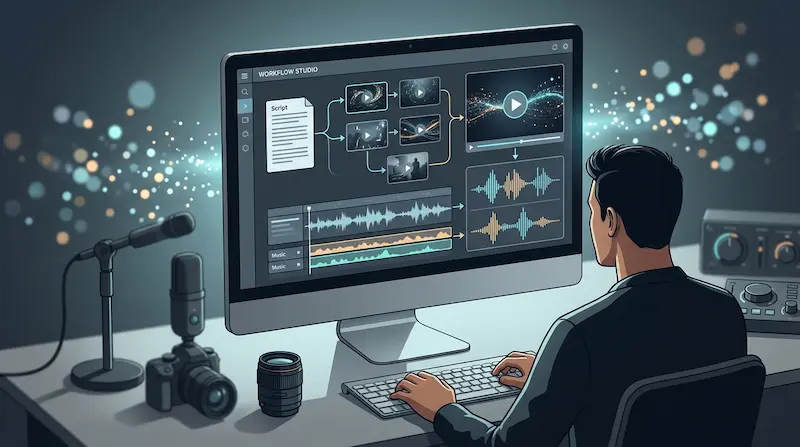
Turning a script into a finished video usually means bouncing between a script editor, a stock footage or generation tool, a voiceover service, a music library, and an editing timeline. For solo creators and small marketing teams without a dedicated production budget, that chain of tools is often the real bottleneck, not the creative work itself. AI Video Maker is built to compress that chain into one workspace, with an AI video maker at its center and image, voice, and music tools feeding directly into it.
This review looks at what SuperMaker’s video generation actually covers, how the surrounding modules support it, what the workflow looks like end to end, current pricing, and which types of users are likely to get the most out of a subscription.
What SuperMaker AI Actually Is
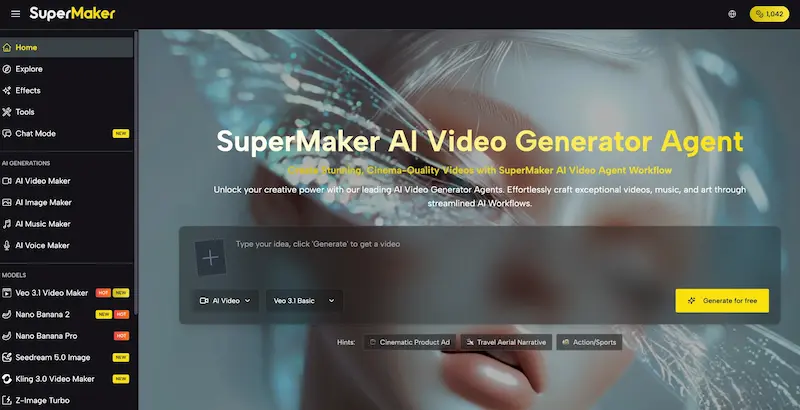
SuperMaker AI is a browser-based platform built around AI video generation, supported by image, voice, and music tools designed to plug into video projects rather than operate as isolated apps. Rather than running on one in-house model, it routes generation requests to a mix of third-party engines — Google’s Veo 3.1, ByteDance’s Seedance 2.0, and Kling 3.0 for video, alongside models like Nano Banana Pro, GPT Image 2, and Flux Kontext for images. This lets users choose an engine suited to the scene they’re building, whether that’s a cinematic product shot or a more stylized, animated look.
Beyond raw generation, the platform includes storyboarding, scene management, an asset library, and a node-based canvas for connecting tools into a repeatable sequence. It’s built more as a production workspace than a single-purpose generator, which matters for anyone producing video regularly rather than as a one-off experiment.
Core Features and Modules
AI Video Maker
The AI Video Generator supports both text-to-video and image-to-video generation, with storyboard-style planning for organizing multiple scenes into a single project instead of managing disconnected clips. Because several video models are available in the same interface, users can switch engines mid-project depending on whether a scene calls for realism or stylization — a practical advantage over single-model tools where the output style is fixed.
AI Image Maker
The image tool generates standalone visuals or reference frames for video scenes, backed by multiple models for different styles. It also includes editing features:
- Magic erase for removing unwanted elements from a frame
- Uncrop/outpainting for extending an image beyond its original borders
- Photo restoration for fixing damaged or low-resolution source images
These editing tools matter for video projects specifically, since a cleaned-up or extended image can be fed straight into the video module as a starting frame rather than requiring a separate editor.
AI Voice and Music Makers
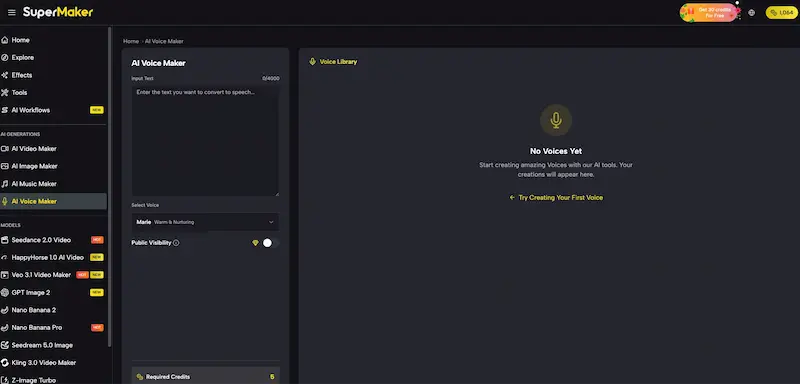
The voice generator produces multilingual narration and dialogue for voiceovers, and the music generator creates original background tracks with adjustable mood and tempo. Both are built to sync into a video timeline rather than serve as standalone tools for professional audio mixing — useful for filling out a video quickly, less suited to users who need studio-grade sound design.
Workflow Studio
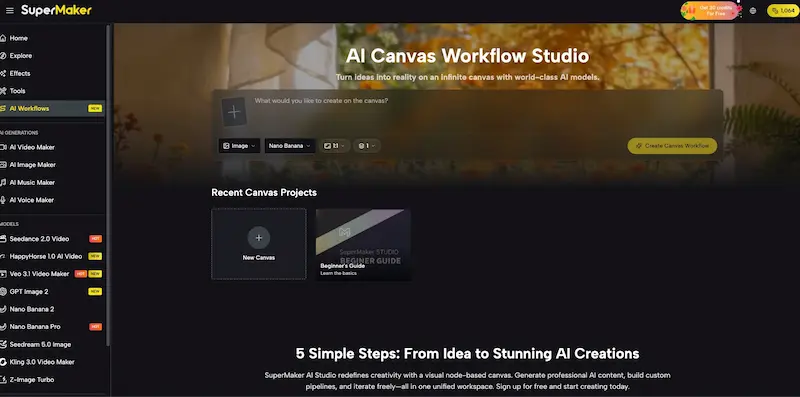
The Workflow Studio is a node-based, infinite canvas where text, image, and video nodes connect into a visual pipeline — a script node can feed an image node, whose output becomes a video node’s starting frame, with voice and music nodes layered in around it. It supports batch generation of multiple variations per node, version history for branching off prior outputs, and auto-saving. For teams producing video on a recurring schedule, this is the feature that turns SuperMaker from a generator into something closer to a lightweight production pipeline.
How the Workflow Works in Practice
Starting from a script or prompt
A project can begin with a written script or a short prompt entered directly into the video tool, or inside the Workflow Studio for more complex, multi-scene builds.
Building reference frames
Images generated or edited in the image module can be set as starting frames for specific scenes, giving more control over composition than relying on text prompts alone.
Assembling the scene
Voice and music nodes are added around the video output inside the canvas, with the option to batch-generate variations and pick the best result before moving to the next scene.
Exporting
Paid plans export in high resolution without watermarks; the free tier also permits watermark-free downloads, though generation volume is limited.
Pricing and Plans
SuperMaker AI runs on a credit-based subscription, billed monthly or annually, with credits shared across the video, image, voice, and music tools.
| Plan | Monthly Price | Annual Price (per month) | Annual Credits | Approx. Video Output |
| Free | $0 | $0 | ~10 credits + weekly check-in credits | Around 1 video |
| Starter | $9.90/mo | ~$8.30/mo ($100/yr) | 2,400 credits/yr | Up to 240 videos |
| Popular | $29.90/mo | ~$24/mo ($288/yr) | 9,600 credits/yr | Up to 960 videos |
| Top | $49.90/mo | ~$30/mo ($360/yr) | 21,600 credits/yr | Up to 2,160 videos |
Who Will Get the Most Value
- Marketing teams and small businesses producing recurring product videos or social ads who need a faster path from script to finished clip than a traditional editing pipeline allows.
- Content creators and YouTubers/social media managers who want to generate short-form video regularly and prefer having voiceover and music generation bundled with the video tool itself.
- Educators and course creators converting written lessons into narrated, animated video without hiring an editor or voice talent.
- Indie filmmakers and storytellers who want to storyboard and previsualize scenes with reference images before deciding on a final look.
- Teams that specifically need repeatable pipelines — the Workflow Studio rewards users producing video on an ongoing basis more than someone who only needs an occasional single clip.
Users who need frame-accurate manual editing control, or broadcast-quality audio mixing, will likely still want a dedicated video editor and audio software alongside SuperMaker rather than as a full replacement.
Final Verdict
SuperMaker AI’s main advantage is putting video generation, image creation and editing, voice, and music into one credit-based workspace, with the Workflow Studio giving that combination real structure for teams producing video regularly rather than one clip at a time. The ability to switch between multiple video and image models inside the same project is a genuine practical benefit, since it avoids locking users into a single visual style. The free tier is only useful for light testing, so anyone with a consistent publishing schedule should expect to need at least the Starter plan.
For creators, marketers, and educators looking for an AI video maker that also covers image, voice, and music without maintaining separate subscriptions for each, SuperMaker AI is a reasonable platform to trial. Teams needing frame-level editing precision or professional audio mastering may still want to pair it with specialized tools for final production.
Comentarios